Image To Pixel Art
Pixel Your World in One Click!
Drag & drop or select an image (max 5MB)
Or use sample images:
Get Inspired
Browse pixel-art masterpieces, presets & tutorials to spark your next creation.
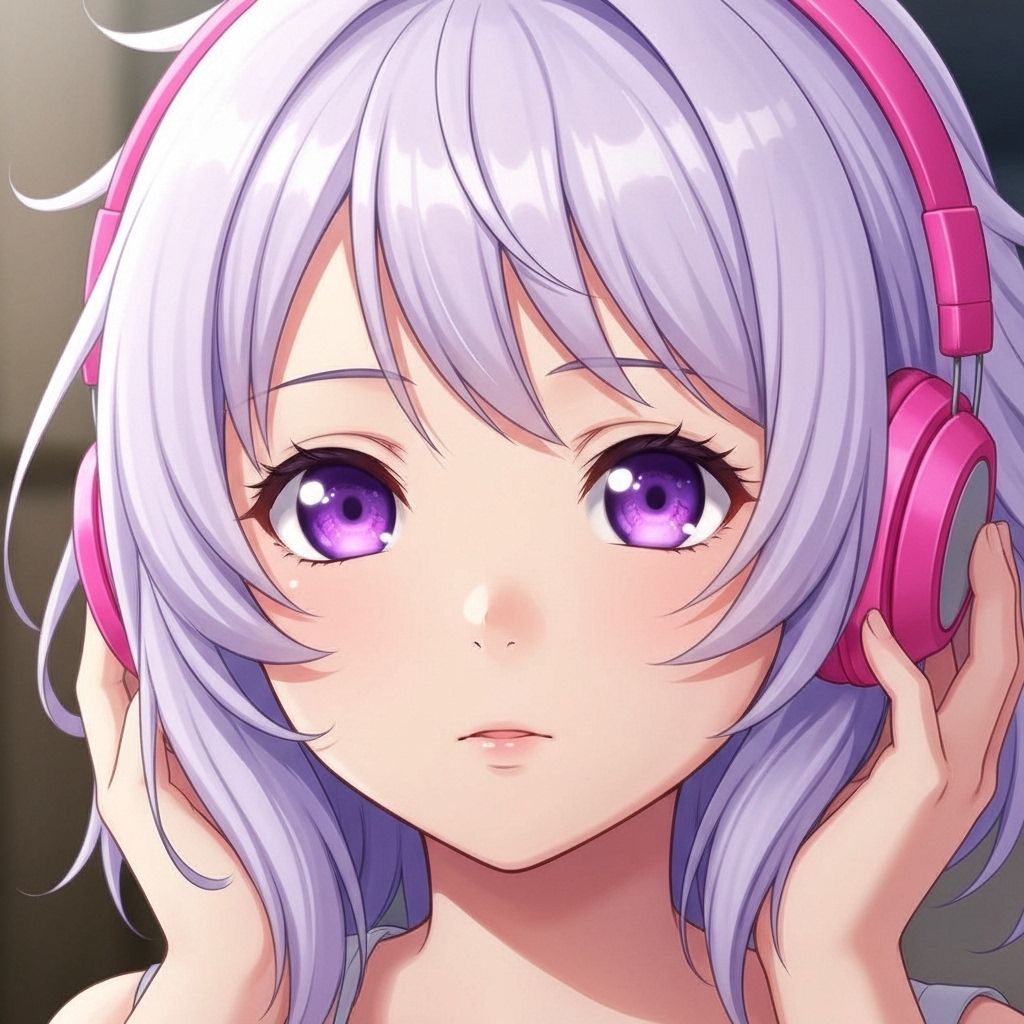
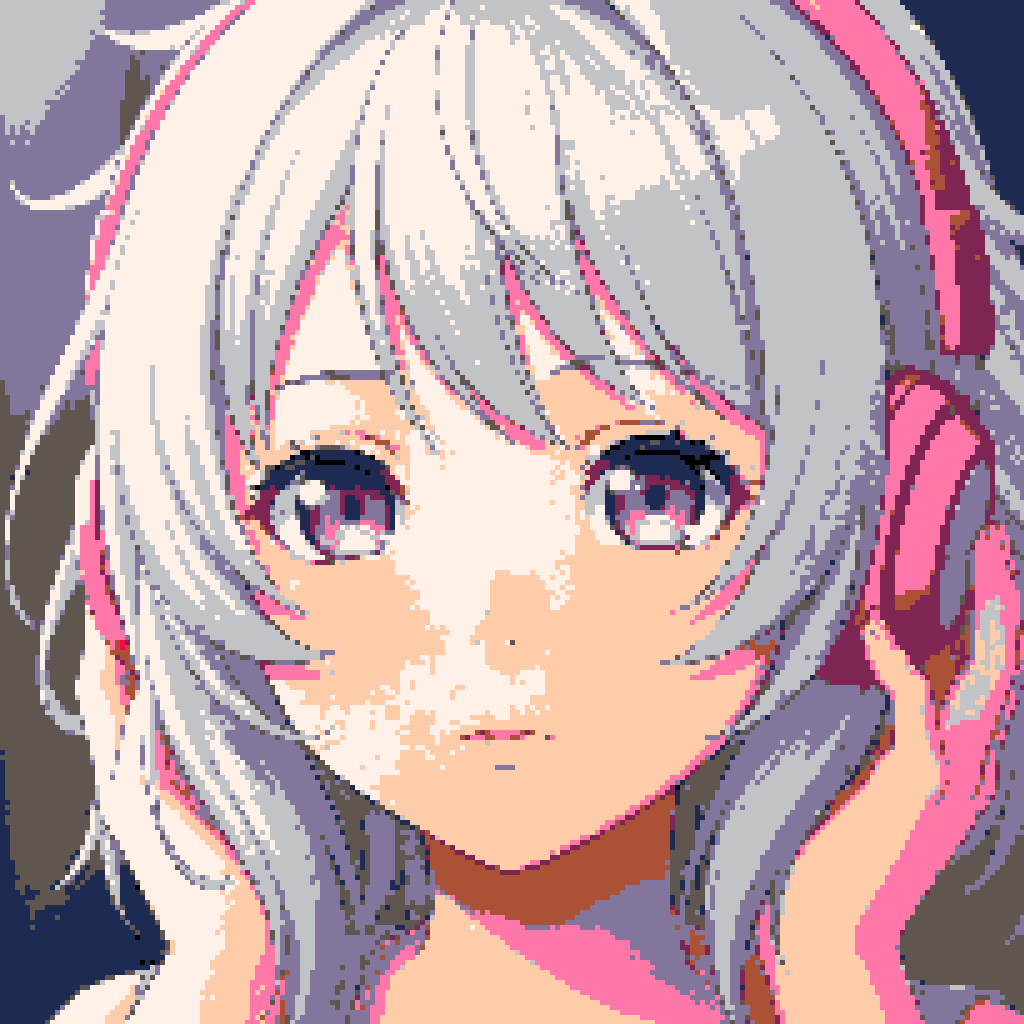
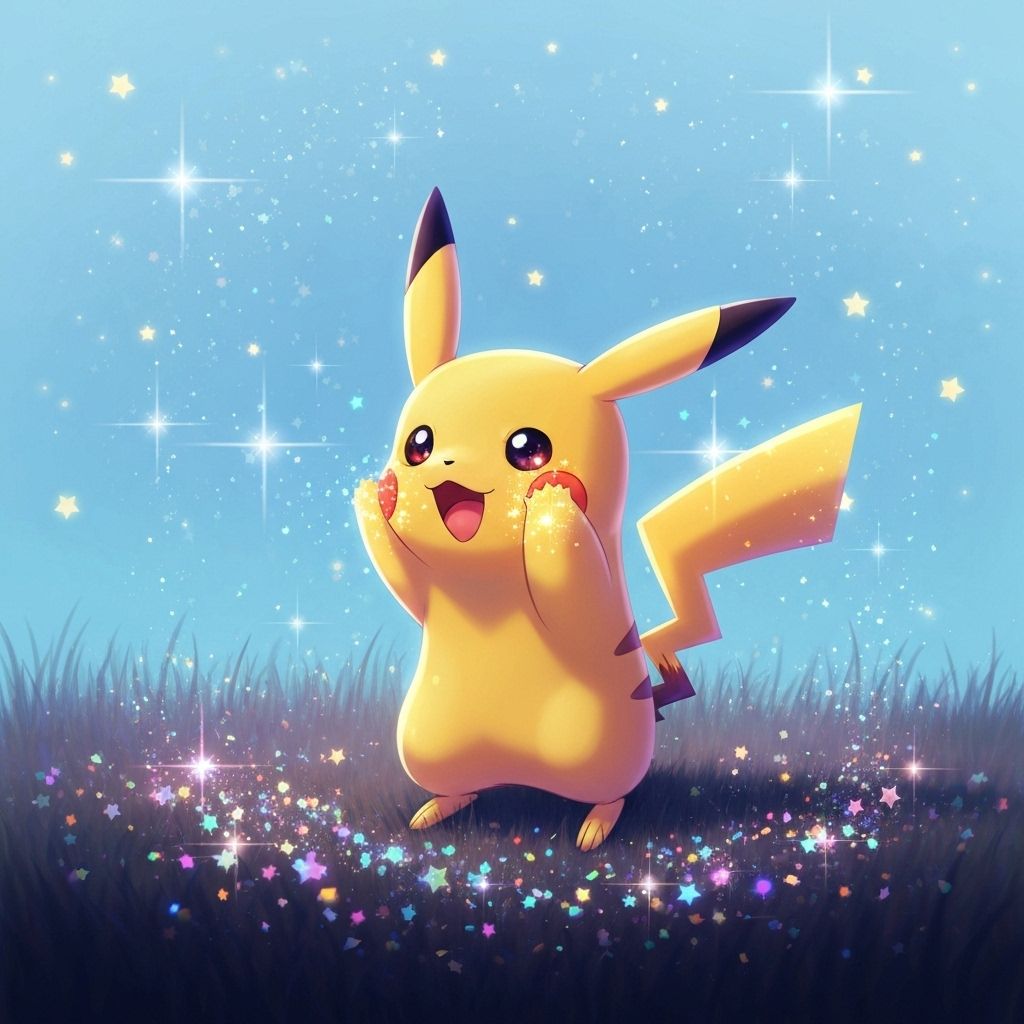

How to Apply a Palette to Pixel Art Image?
Upload → Adjust → Download
Upload Image
Drag & drop or select an image (max 5MB)
Adjust Image
Select a style, palette, and pixel size
Download Image
Save your masterpiece as a high-quality PNG file
What is a Image To Pixel Art Converter?
Turn any picture into retro game-style pixel art—resize, pick your palette, and download in seconds.
Free tool, no sign-up
Convert any image to pixel art for free. No account required.
Accurate non‑AI pixelization
Pixel size is adjusted without AI, ensuring precise block sizes.
Custom palettes
Apply classic palettes like Game Boy, NES, Pico‑8, CGA, C64, Pastel 16, DawnBringer 16.
PNG/JPG/SVG supported
Common formats such as png, jpg and svg are supported. Just upload to get started.
Simple upload, instant preview
Upload your image, tweak pixel size, and preview instantly in the browser.
Usage rights
Generated images are free to use, including commercial. Ensure your input image’s license permits such use.
Frequently Asked Questions
Have another question? Contact us at wfsjwzmdlz@gmail.com